
Reader selection affects usability, security, appearance, weather resistance and whether existing credentials can be retained.
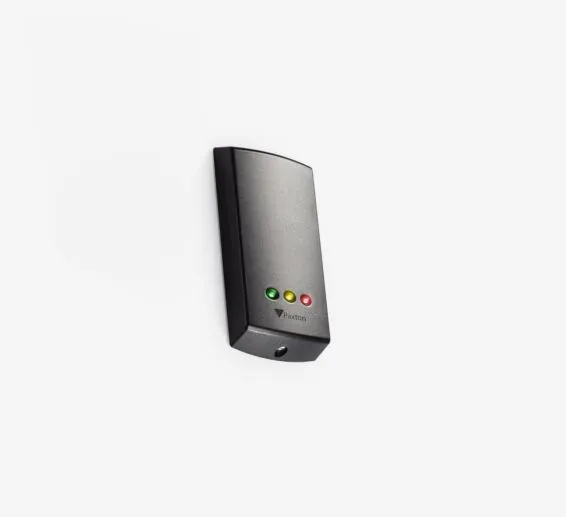
Reader families to consider
| Need | Paxton options to evaluate | Why it matters |
|---|---|---|
| Standard proximity presentation | P38, P50 and P75 style readers | Different physical sizes help suit mullions, walls and visibility requirements. |
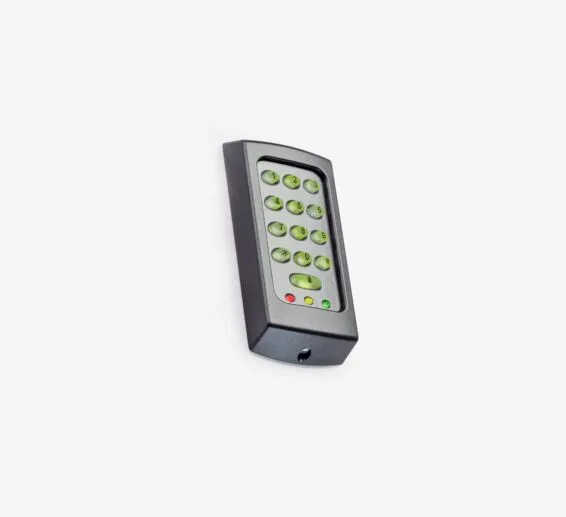
| PIN plus credential | KP50/KP75 and Paxton10 reader-keypad options | Supports keypad workflows where a PIN or two-factor policy is required. |
| Appearance-sensitive entrance | Architectural and metal reader families | Finish, mounting surface and surrounding metal must be reviewed. |
| High-abuse location | Vandal-resistant reader options | Housing, mounting and environmental rating should match the risk. |
| Vehicle or special approach | Long-range reader family | Read range, credential orientation, lane geometry and safety loops must be engineered together. |
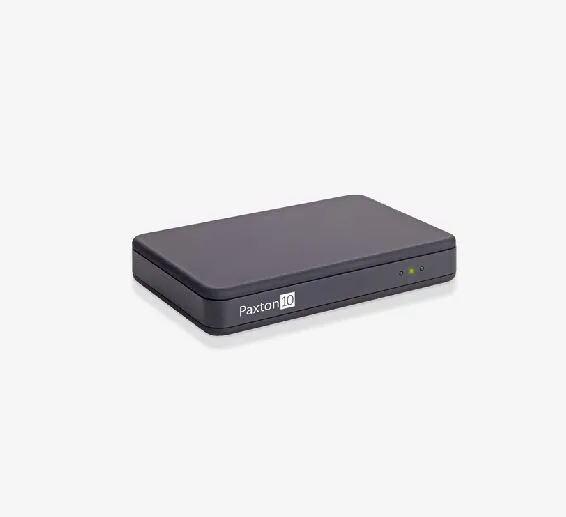
| Enrollment desk | Net2 or Paxton10 desktop reader | Makes credential enrollment and identification easier for administrators. |
Credential compatibility is a design decision
Do not choose a reader solely by its appearance. The reader, controller platform and credential technology must be validated as a set. Paxton’s current Paxton10 Reader Keypad documentation identifies support for Paxton, EM, MIFARE DESFire CSN, HID Prox, FeliCa and NFC credential reading, with Bluetooth modes for compatible mobile credentials. Exact credential behavior, encryption and migration support depend on the selected product and configuration.
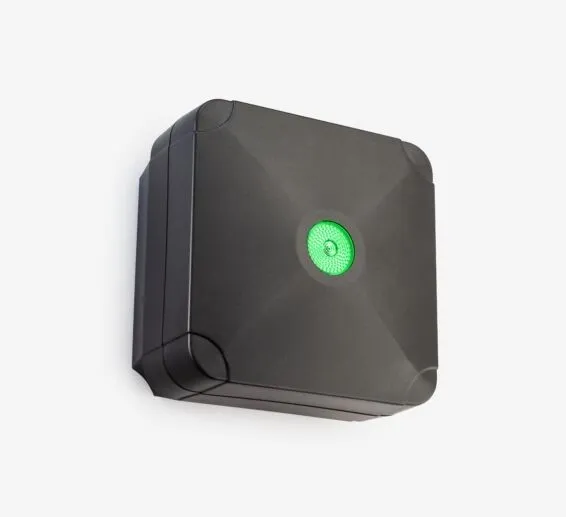
Representative reader hardware
Site survey checklist
- Indoor, sheltered or exposed outdoor location
- Mullion, wall, pedestal or metal mounting surface
- Required accessibility and mounting height
- Credential technology and existing badge inventory
- PIN, mobile credential or two-factor requirements
- Read range and traffic flow
- Tamper and vandal-resistance requirements
- Cable type, distance and pathway
Manufacturer references
Product capabilities and compatibility were checked against Paxton’s official U.S. materials. Specifications, availability and software support can change; Boston High Tech confirms the current design before procurement.
Explore the Paxton product family
Plan a Paxton system around your doors—not a generic parts list
Boston High Tech surveys the openings, network, power, life-safety interfaces, credential population and operating workflow before finalizing equipment. We serve projects from our Charlotte headquarters and local client offices serving Massachusetts, New York and New Jersey. Visits are by appointment so the appropriate specialist is available.
How to compare and specify this product family
For Paxton Readers, Keypads and Credentials, the right model and architecture depend on the site, existing infrastructure and operating policy. A proposal should clearly document the following access-control system decisions before equipment is ordered:
- Number and type of controlled openings
- Controller, reader, lock and credential compatibility
- Cloud or on-premise administration and ownership
- Offline behavior, backup power and emergency operation
- Directory, HR, video, visitor and elevator integrations
- Licensing, cybersecurity, training and lifecycle support
Installation, testing and handoff
A site survey records each opening, door hardware, cable path, power, network, credential policy and integration requirement. The design then maps readers, controllers, locks, inputs, outputs and administrator roles to the operational workflow. Commissioning includes door-by-door functional tests, failure-mode and backup-power checks, permission and schedule tests, event verification, administrator training and as-built documentation. Product availability, subscriptions and supported integrations are confirmed for the current project before procurement.
Frequently asked questions
Questions buyers ask when matching Paxton readers, keypads and credential technology to their doors, mounting surfaces and existing badge inventory.
How do I choose among the P38, P50 and P75 readers?
The P38, P50 and P75 are all standard proximity presentation readers, so the choice is driven by physical size rather than by a different way of presenting a credential. Narrow housings suit a door mullion; wider ones suit wall mounting and locations where the reader must be easy to see. Settle the mounting surface and mounting height first, then pick the size that fits it.
Will the badges we already issue still work on a new Paxton reader?
That depends on the credential technology already in circulation. Paxton’s current Paxton10 Reader Keypad documentation identifies support for Paxton, EM, MIFARE DESFire CSN, HID Prox, FeliCa and NFC credential reading, with Bluetooth modes for compatible mobile credentials. Pull a sample of the existing badge inventory and identify it before ordering, because encryption and migration behavior follow the selected product and its configuration.
Does the wall or mullion we are mounting to change which reader we can use?
Yes. Finish, mounting surface and surrounding metal are reviewed before a model is fixed, which is why architectural and metal reader families are listed apart from standard housings. Mullion, wall, pedestal and metal surfaces each change how the reader is fixed and how a credential presents to it. Record required accessibility and mounting height for that opening at the same time.
What has to be engineered before a reader goes in at a vehicle lane?
Read range, credential orientation, lane geometry and safety loops are engineered together for the long-range reader family, not selected one after another. Where a driver stops, how the credential sits inside the vehicle and where loops fall in the pavement all move the mounting position. Cable type, distance and pathway back to the controller change with that position too.
Can we pick the reader we like and match the controller to it later?
No. The reader, controller platform and credential technology are validated as a set, so a model chosen on appearance alone can strand either the panel or the credential policy. Controller, reader, lock and credential compatibility belongs in the proposal before anything is ordered. Boston High Tech confirms the current design against Paxton’s official U.S. materials, since specifications and software support change.
Who enrolls a new badge once the system is live, and where?
That is an administration decision rather than a hardware one, so name the role that holds enrollment before the equipment list closes. Where a staffed enrollment desk is used, a Net2 or Paxton10 desktop reader makes credential enrollment and identification easier for administrators, and which one applies follows the controller platform the site runs. Record the enrollment role in the proposal beside the credential technology and existing badge inventory.
Paxton owner, administrator and buyer resources
Discuss Paxton installation, upgrade or service
Detailed guides are maintained by 360TechnologyGroup.com, the parent-company knowledge center.
Official Paxton software, firmware and support
Official manufacturer resources. We link out rather than host firmware.
Before updating: confirm model, hardware revision, current version, entitlement and rollback plan, and schedule monitored or life-safety-adjacent systems with the administrator.