
Cloud-native video management—formerly Ava—with edge/cloud recording, health monitoring, mobile/web operation and analytics.
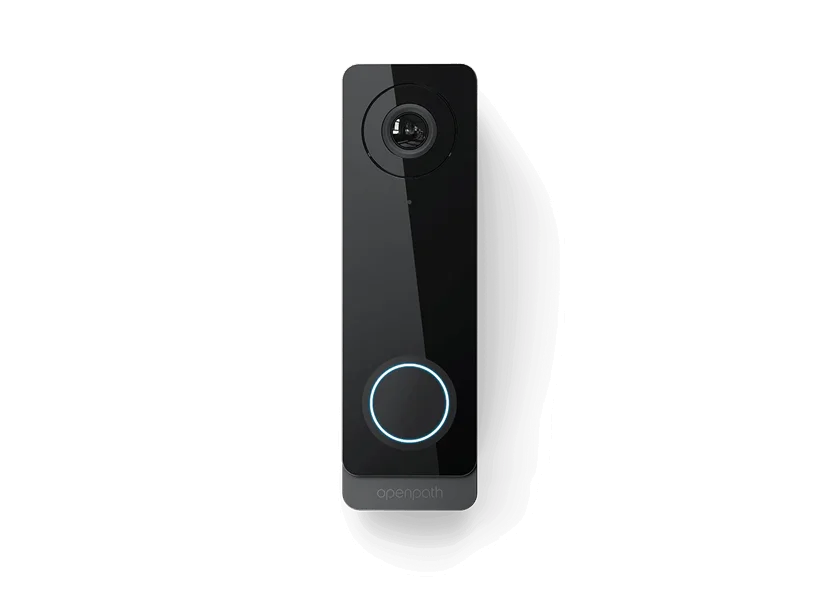
Product and system guidance
Alta Video is a different architecture from Unity. It uses Alta cameras and approved integrations with cloud management, rules and analytics. Define bandwidth, local retention, cloud retention, camera licensing, health monitoring, privacy and integration with Alta Access. Existing Ava naming should be mapped to current Alta product/support terminology.
- Alta Video cloud organization and Deployment Management Portal
- Alta/Ava cameras and edge/cloud storage
- Rules, people/vehicle/audio analytics and smart search
- Alta Access/video-reader and third-party camera integration
- Scene survey, pixels on target, lens and mounting
- Bandwidth, storage, retention and evidence export
- Firmware, cybersecurity, user roles and remote access
- Current regulatory, procurement and customer compliance requirements
Engineering before procurement
Boston High Tech validates current model availability, firmware, licenses, analytics, VMS compatibility and storage calculations. We do not publish private certificate numbers or named certificate-holder records; qualifications can be confirmed through appropriate private channels.
Request a video-system design review
Serving projects from our Charlotte headquarters and local client offices in Massachusetts, New York and New Jersey. Office visits are arranged in advance.
Official manufacturer references
How to compare and specify this product family
For Avigilon Alta Video Cloud Cameras and Integrations, the right model and architecture depend on the site, existing infrastructure and operating policy. A proposal should clearly document the following video-surveillance system decisions before equipment is ordered:
- Scene purpose and required pixels on target
- Lens, mounting height, WDR, IR and low-light needs
- Analytics supported by the selected camera and VMS
- Bandwidth, PoE and network segmentation
- Retention, storage throughput and export workflow
- User roles, cybersecurity, health monitoring and support
Installation, testing and handoff
Design starts with the evidence or operational result required at each scene—not megapixels alone. We document fields of view, identification targets, lighting, camera placement, network load, recording profiles and retention assumptions. Commissioning covers focus, exposure, time synchronization, analytics calibration, user permissions, mobile or remote access, export testing and health alerts. Final documentation records device names, locations, addressing, retention settings and administrator procedures without publishing private credentials.
Frequently asked questions
Questions about moving to Alta Video, including Ava-era equipment, retention choices and approved integrations.
We were quoted Unity before. Does that design carry over to Alta Video?
Not as a parts list. Alta Video is a different architecture from Unity, using Alta cameras and approved integrations with cloud management, rules and analytics. Because the two differ at the architecture level, camera selection, licensing and daily operation are scoped separately, and the site has to be assigned to one architecture before equipment is ordered.
We bought Ava cameras. What happens to them now?
Start by mapping existing Ava naming to current Alta product and support terminology, because the model you own may appear under a different name today. Alta and Ava cameras sit together in the design decisions here, along with edge and cloud storage. Once the names line up, the license, firmware and support status of each camera can be checked.
Is video recorded at the camera or in the cloud?
Both are on the table, and the split is a design decision. Local retention and cloud retention are defined separately, and the bandwidth available at the site limits how much reaches the cloud and how quickly. Evidence export is planned at the same time, since the retention that counts is the retention still there when someone asks for a clip.
How is a camera and lens chosen for a specific area?
From the scene survey. What the camera has to accomplish in that scene sets the pixels on target required, and pixels on target together with the mounting position sets the lens. Mounting height and sight lines are then checked against the analytics you expect, because a view that reads as adequate to a person can still be short for a rule.
Our building has cameras from another brand. Can they feed Alta Video?
Only where the integration is approved. Alta Video uses Alta cameras and approved integrations, so third-party camera integration is available for what appears on that approved list and not for anything outside it. Send the model list from the site and have it checked against the current documentation before it becomes a line in the design.
Does Alta Access tie into the video system automatically?
No. Integration with Alta Access is a defined item in this design, along with the video-reader option, so it is specified and tested rather than switched on by default. The cloud organization structure and the Deployment Management Portal are settled at the same time, since user roles and remote access rules follow the organization you set up.
Avigilon Alta and Unity owner and buyer resources
Discuss Avigilon installation, maintenance or service
Detailed guides are maintained by 360TechnologyGroup.com, the parent-company knowledge center.
Official Avigilon Unity and Alta Video software, firmware and support
Official manufacturer resources. We link out rather than host firmware.
Before updating: confirm model, hardware revision, current version, entitlement and rollback plan, and schedule monitored or life-safety-adjacent systems with the administrator.