
Open-platform video management from small sites through distributed enterprise systems.
Product and system guidance
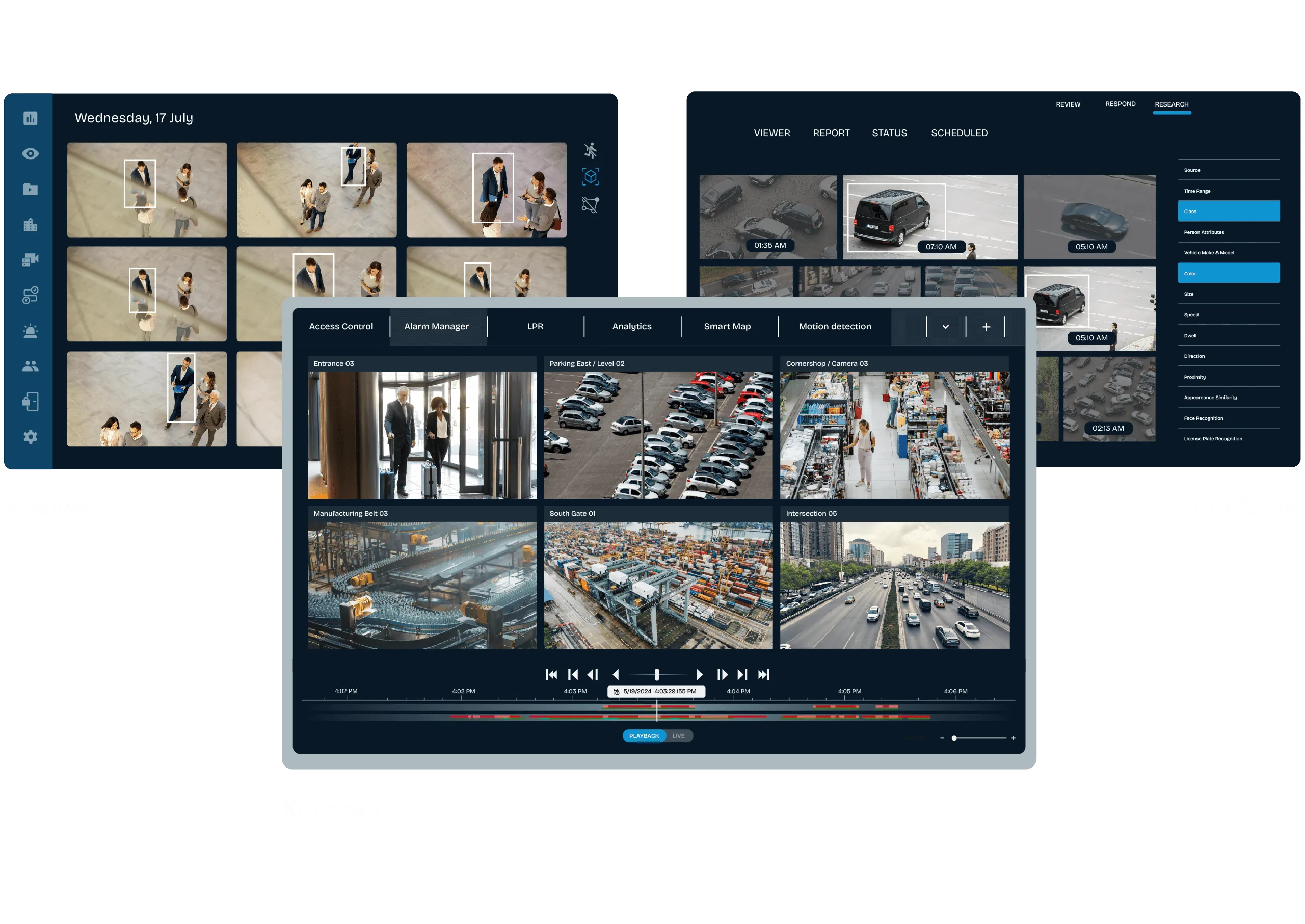
Current XProtect variants include Express+, Professional+, Expert and Corporate, with different camera, failover, map, video-wall, evidence and enterprise capabilities. Essential+ was discontinued with the 2025 R2 release, so existing deployments should be evaluated for a supported migration path. Select the edition from operational requirements and current comparison documentation—not camera count alone. Include Smart Client, Web Client and Mobile workflows, user roles and evidence export.
- Express+ for smaller, single-site deployments
- Professional+, Expert and Corporate for advanced scale/resilience
- Smart Client, Web Client and Mobile operations
- Licensing, Care Plus/support and version-upgrade planning
- Scene survey, pixels on target, lens and mounting
- Bandwidth, storage, retention and evidence export
- Firmware, cybersecurity, user roles and remote access
- Current regulatory, procurement and customer compliance requirements
Engineering before procurement
Boston High Tech validates current model availability, firmware, licenses, analytics, VMS compatibility and storage calculations. We do not publish private certificate numbers or named certificate-holder records; qualifications can be confirmed through appropriate private channels.
Request a video-system design review
Serving projects from our Charlotte headquarters and local client offices in Massachusetts, New York and New Jersey. Office visits are arranged in advance.
Official manufacturer references
How to compare and specify this product family
For Milestone XProtect VMS Editions and Clients, the right model and architecture depend on the site, existing infrastructure and operating policy. A proposal should clearly document the following video-surveillance system decisions before equipment is ordered:
- Scene purpose and required pixels on target
- Lens, mounting height, WDR, IR and low-light needs
- Analytics supported by the selected camera and VMS
- Bandwidth, PoE and network segmentation
- Retention, storage throughput and export workflow
- User roles, cybersecurity, health monitoring and support
Installation, testing and handoff
Design starts with the evidence or operational result required at each scene—not megapixels alone. We document fields of view, identification targets, lighting, camera placement, network load, recording profiles and retention assumptions. Commissioning covers focus, exposure, time synchronization, analytics calibration, user permissions, mobile or remote access, export testing and health alerts. Final documentation records device names, locations, addressing, retention settings and administrator procedures without publishing private credentials.
Frequently asked questions
Edition, client and licensing questions that come up when scoping or upgrading an XProtect video management deployment.
How do we pick an edition without guessing?
Start from operational requirements instead of camera count. Express+ is positioned for smaller, single-site deployments, while Professional+, Expert and Corporate cover advanced scale and resilience, with differences in failover, maps, video wall, evidence handling and enterprise features. Read those differences in current comparison documentation against the list of tasks your operators actually perform.
We are running Essential+. What are our options?
Essential+ was discontinued with the 2025 R2 release, so an Essential+ deployment is evaluated for a supported migration path instead of being expanded. Inventory the cameras, the recording servers, the retention already promised to the business and the user roles in place, then match that inventory to an edition that carries the same operations forward.
What does our network team need to prepare?
Camera traffic and its path come first. Bandwidth, PoE and network segmentation for the camera network are sized before servers are ordered, then storage is sized for the retention the business expects, then the client traffic that Smart Client, Web Client and Mobile workflows put on the same links is added to that total.
Do we have to standardize on one camera brand?
No. Open-platform video management is built for mixed camera brands, so installed cameras remain candidates rather than automatic replacements. Support for a given model is checked against the device list for the version being deployed, and any camera falling outside that list becomes a choice: replace the camera, or keep it on a separate recorder and show that cost.
How does video get handed to an investigator or an insurer?
Through a defined evidence export procedure with named permissions, not by handing someone a workstation. Decide who may export, what format the receiving party accepts, how chain of custody is recorded, and how long the source recording stays available. Evidence handling differs across the editions, so the export requirement belongs inside the edition decision.
After go-live, who performs version upgrades?
One named party, agreed at handoff: your IT group, our team under an agreement, or a split where one side stages the upgrade and the other approves it. Licensing, Care Plus/support and version-upgrade planning are recorded as a single item with that owner attached, and each upgrade is followed by a retest of the client workflows.
Milestone XProtect owner, administrator and buyer resources
Discuss Milestone installation, upgrade or service
Detailed guides are maintained by 360TechnologyGroup.com, the parent-company knowledge center.
Official Milestone XProtect software, firmware and support
Official manufacturer resources. We link out rather than host firmware.
Before updating: confirm model, hardware revision, current version, entitlement and rollback plan, and schedule monitored or life-safety-adjacent systems with the administrator.