
Northeast commercial access control
Odyssey & PROTECTOR.Net Software Installation
Detailed Hartmann software selection, installation, server and database setup, system programming, training, upgrades and support.
We install and set up Hartmann software—not just the panels
The software is where operators issue credentials, investigate events and change the building’s daily behavior. We configure it around the client’s real onboarding, visitor, alarm and reporting processes.
- Windows/server, SQL, embedded or hosted deployment review
- Odyssey or PROTECTOR.Net installation and supported-version planning
- Controllers, doors, readers, credentials, schedules and access levels
- Administrative roles, partitions, notifications, reports and audit settings
- Maps, photo badging, mobile tools, VMS, LDAP, intrusion and Aperio integrations
- Database backup, upgrade planning, acceptance testing and operator training
Odyssey access-control software
Enterprise administration
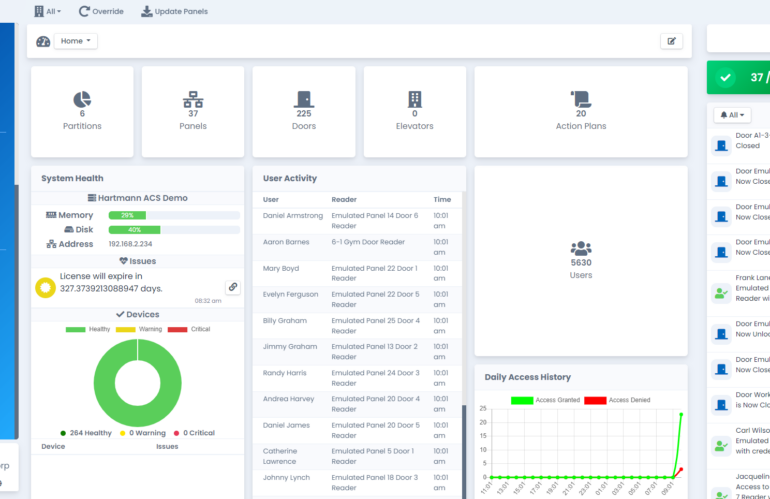
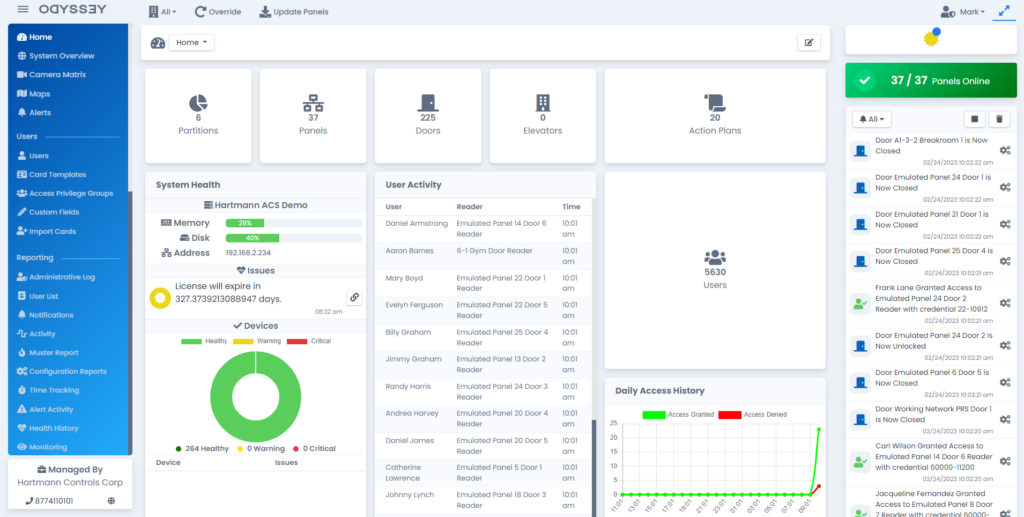
Hartmann describes Odyssey as an enterprise platform able to manage very large door and device populations. Search, filtering and refreshed enterprise screens help operators work across large data sets.
HTML5 dashboard and status
The customizable web interface presents real-time door and device status without tying routine administration to a single workstation layout.
ACE automation
The Action Control Engine supports server-side scripts and macros for event-driven workflows. We document each automation, dependencies, testing and recovery behavior.
Integrated operations
Published capabilities include photo badging, advanced permissions and IP integration with DSC PowerSeries Neo, subject to supported releases and project validation.
PROTECTOR.Net software
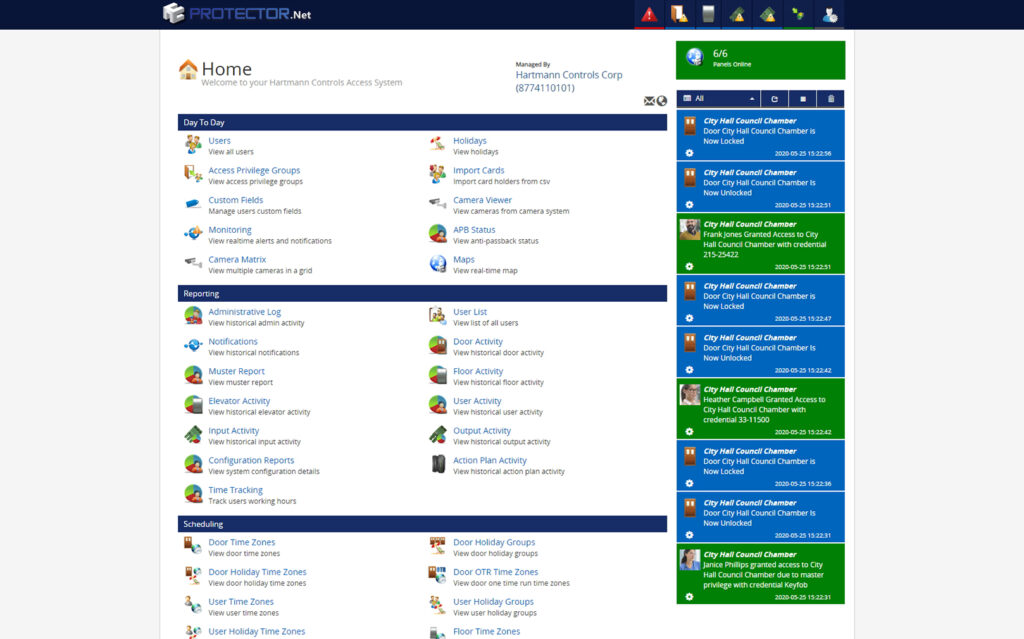
PROTECTOR.Net supports web and mobile administration, active maps, LDAP, partitions, configurable notifications, crisis levels, VMS integration and ACE actions. It can be deployed in local Windows or hosted models depending on the approved design.
Our setup includes naming conventions, controller communications, cardholder fields, access levels, schedules, door modes, alarm priorities, map objects, notification recipients and permission boundaries. We also test database backup and restoration procedures before handoff.
Deployment choices we evaluate
| Deployment | Best-fit questions | Our setup responsibility |
|---|---|---|
| HC Atom embedded appliance | Smaller deployment, simplified server footprint and current supported capacity. | Network addressing, controller discovery, configuration, backup method and administrator handoff. |
| On-site server | Owner IT standards, SQL, identity integration, retention, redundancy and remote support. | Prerequisite review, install, services, database, firewall coordination, backup, updates and recovery testing. |
| Cloud or dealer-hosted | Connectivity, data ownership, subscription/support model, remote access and outage behavior. | Tenant/site configuration, secure connectivity, roles, alerting, documentation and operating procedures. |
Current capacity, licensing and supported software/firmware combinations are confirmed with Hartmann for the specific project; they can change by release and hardware model.
Official software, release and support resources
We link to Hartmann’s official portal and do not copy firmware or software installers to this website. Updates are applied only after model, release path, backup, integration compatibility and rollback limitations are reviewed.
Hartmann software downloadsHartmann dealer portalInstructional videos
Plan an installed and supported system
Boston High Tech can review the openings, existing equipment, network, software, credential workflow and integration requirements before recommending a current configuration for Massachusetts, New York and New Jersey.